
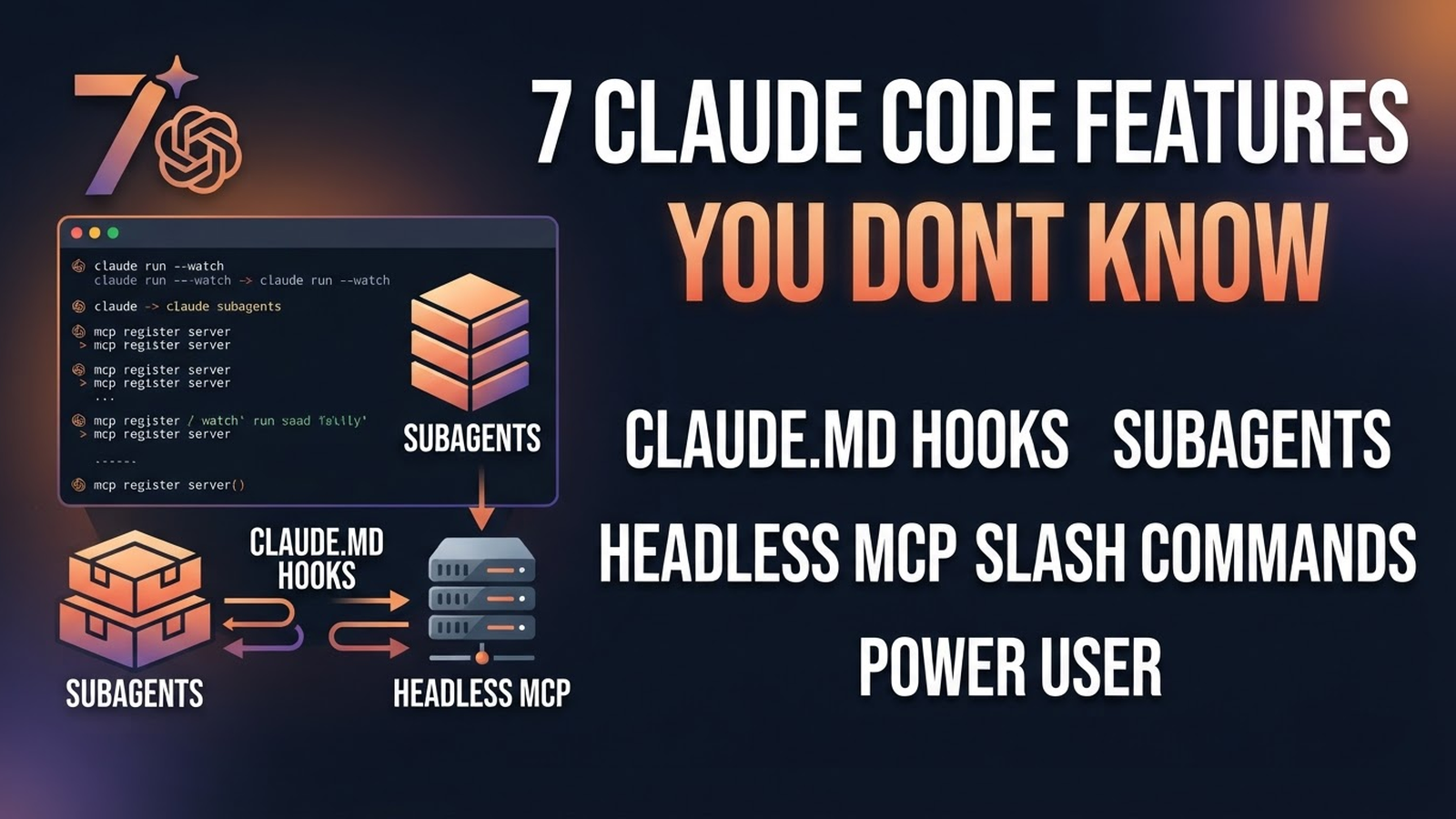
Claude Code isn't just “chat in a terminal.” Here's what's inside and how to use it.
1. CLAUDE.md — project memory
A file in the repo root, loaded into every context. Write there: stack, build commands, code rules, “don't touch folder X.” Saves repeated explanations on every run.
2. Hooks
Automatic commands on events: after every file change — a formatter, before commit — a linter, on error — logs. Config in .claude/settings.json.
3. Subagents
Specialised agents (reviewer, tester, researcher) with their own system prompts and permissions. The main one delegates, they work in isolation and return the result.
4. Headless mode
claude -p "Migrate the DB" --output-format jsonNon-interactive run — for CI/CD, cron, scripts. Claude Code becomes an automation tool, not just an interactive one.
5. MCP servers
Model Context Protocol: connect your own databases, APIs, browser, GitHub to Claude Code. The same MCP server works in Cursor and Claude Desktop too.
6. Slash commands
Your own commands: /deploy, /review, /test. Files in .claude/commands/ — reusable prompts with parameters.
7. Permission modes
Access modes: default, auto-accept, plan-only. Explicit confirmation for dangerous operations, auto for routine ones. Tune to your trust level.