
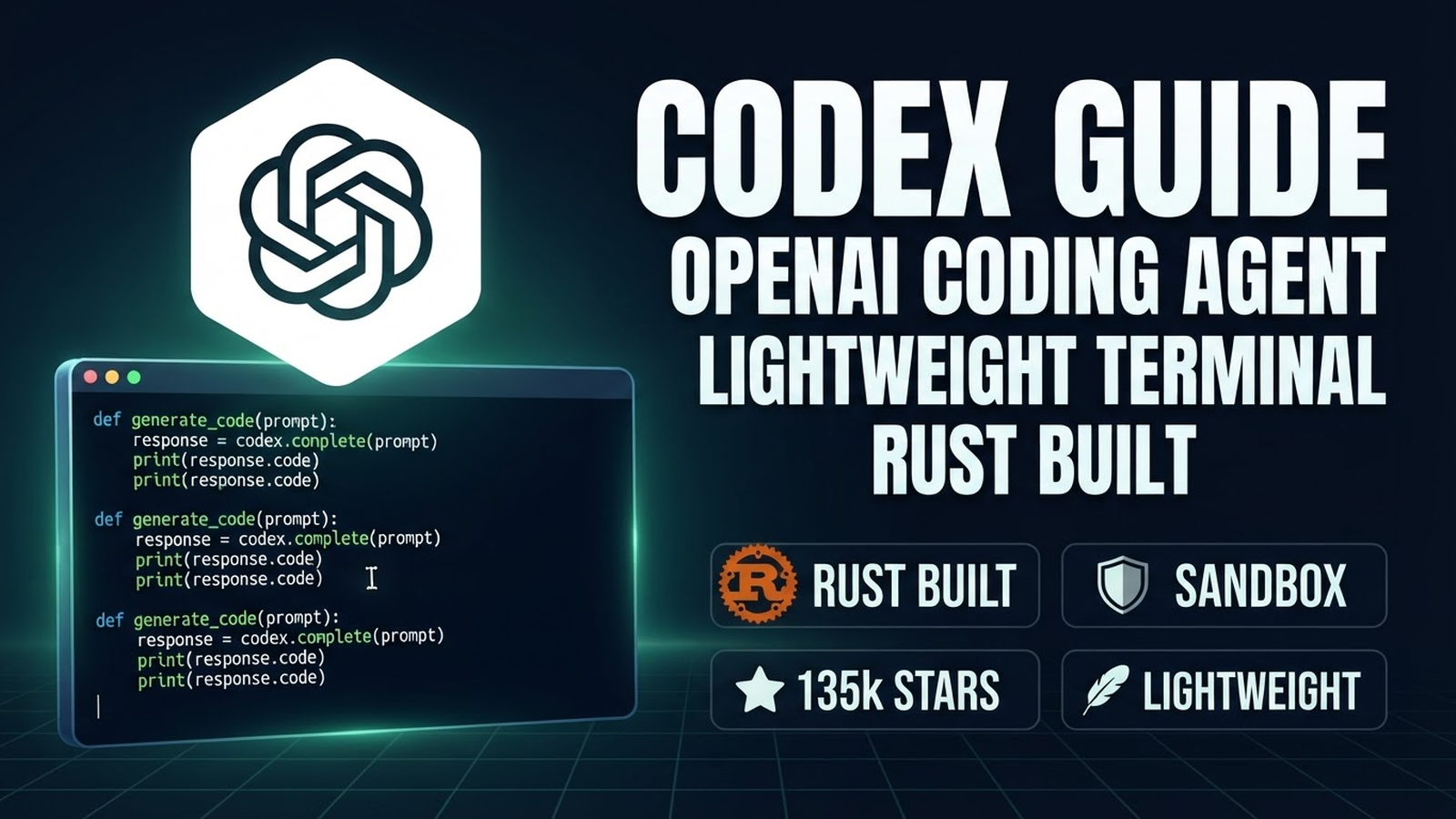
Codex: Complete Guide to Official OpenAI Coding Agent
Codex is the official lightweight coding agent from OpenAI that runs in your terminal. Written in Rust (core: codex-rs) and TypeScript (CLI: codex-cli). 135k+ stars on GitHub, Apache-2.0 license, active development (13,600+ commits, 727 contributors).
1. Installation & Quick Start
Install via npm (recommended)
npm install -g @openai/codex
# or
npx @openai/codex
Binary Install (Rust)
# macOS (Homebrew)
brew install openai/codex/codex

# Linux
curl -fsSL https://codex.openai.com/install.sh | bash

# Or download release from GitHub
# https://github.com/openai/codex/releases
Run
codex                    # Interactive terminal mode
codex -p "Task"          # Headless mode with prompt
codex --help             # All flags
2. Architecture & Key Features
Two Components
- codex-rs (Rust) — core: code execution, sandbox, file ops, LLM integration
- codex-cli (TypeScript) — terminal interface, TUI, session management
Sandbox
Codex executes code in an isolated sandbox. On Windows via codex-windows-sandbox-service, on Linux/macOS via namespace-based isolation. Safe: agent can't break your system.
Lightweight
- Binary ~50-100 MB
- Fast cold start
- Minimal dependencies
- Runs on any hardware
3. Configuration
Config: ~/.codex/config.toml (or .codex/config.toml in project).
[model]
provider = "openai"
model = "gpt-4o"
# or
provider = "anthropic"
model = "claude-3.5-sonnet"

[sandbox]
enabled = true
# windows: "windows-sandbox"
# linux: "namespace"

[permissions]
allow = ["read", "write", "bash", "grep"]

[github]
token = "$GITHUB_TOKEN"
4. Usage
Interactive Mode (TUI)
codex
# Opens TUI with panels: chat, files, terminal
# Ctrl+C — interrupt generation
# /help — commands
# /compact — compress context
Headless Mode (CI/CD, scripts)
# Single prompt with JSON output
codex -p "Create REST API for users on FastAPI" --output-format json

# In GitHub Actions
- name: Run Codex
  run: |
    codex -p "$TASK" --output-format json |
    jq -r '.result' > output.md

# Streaming output
codex -p "Refactor this code" --stream
GitHub Integration
- Automatic PR creation
- Reading issues, comments
- Running CI checks
- GitHub Actions integration
codex -p "Create PR fixing bug #123" --github-token $GITHUB_TOKEN5. Advanced Features
Model Providers
Supports OpenAI (GPT-4o, o1, o3-mini), Anthropic (Claude 3.5 Sonnet), and custom OpenAI-compatible endpoints.
[model]
provider = "openai"
model = "gpt-4o"
base_url = "https://api.openai.com/v1"
api_key = "$OPENAI_API_KEY"
Background Compaction
Automatic context compression when approaching token limits. Hooks pre_model_request / post_model_request with request_id and attempt_number for retry tracking.
Hooks
Model event hooks for logging, metrics, custom logic.
Windows Sandbox Service
On Windows sandbox runs as separate service (codex-windows-sandbox-service), included in release builds.
6. Building from Source
Requires Rust toolchain + Bazel.
git clone https://github.com/openai/codex
cd codex
npm install -g @bazel/bazelisk
bazel build //codex-cli:codex
bazel build //codex-rs:codex
./bazel-bin/codex-cli/codex
7. Comparison with Competitors
| Feature | Codex | Claude Code | OpenCode |
|---|---|---|---|
| Open Source | ✅ Apache-2.0 | ❌ Proprietary | ✅ MIT |
| Core Language | Rust | TypeScript/Node | Go |
| Sandbox | ✅ Built-in | ❌ (via permissions) | ❌ |
| Models | OpenAI + Anthropic + custom | Anthropic only | 200+ via Models.dev |
| GitHub Integration | ✅ Native | ✅ MCP | ✅ MCP |
| Desktop App | ❌ | ❌ | ✅ |
| Mobile App | ❌ | ❌ | ✅ |
| Multi-Session | ❌ | ❌ | ✅ |
| Custom Agents | ❌ | ✅ Subagents | ✅ |
| Free Tier | API key required | Subscription | ✅ Built-in |
| License | Apache-2.0 | Proprietary | MIT |
8. Useful Links
- GitHub: openai/codex (135k★)
- Documentation: developers.openai.com/codex
- Releases: GitHub Releases
- Install Guide: Install Guide
- Contributing: Contributing
- Open Source Fund: Open Source Fund
First Run Checklist
npm install -g @openai/codex(orbrew install openai/codex/codex)codex auth login— browser auth (OpenAI account)- Configure
~/.codex/config.toml(model, sandbox, GitHub token) - Run
codexin project folder - Try headless:
codex -p "Hello world" --output-format json - Configure GitHub token for PR integration