
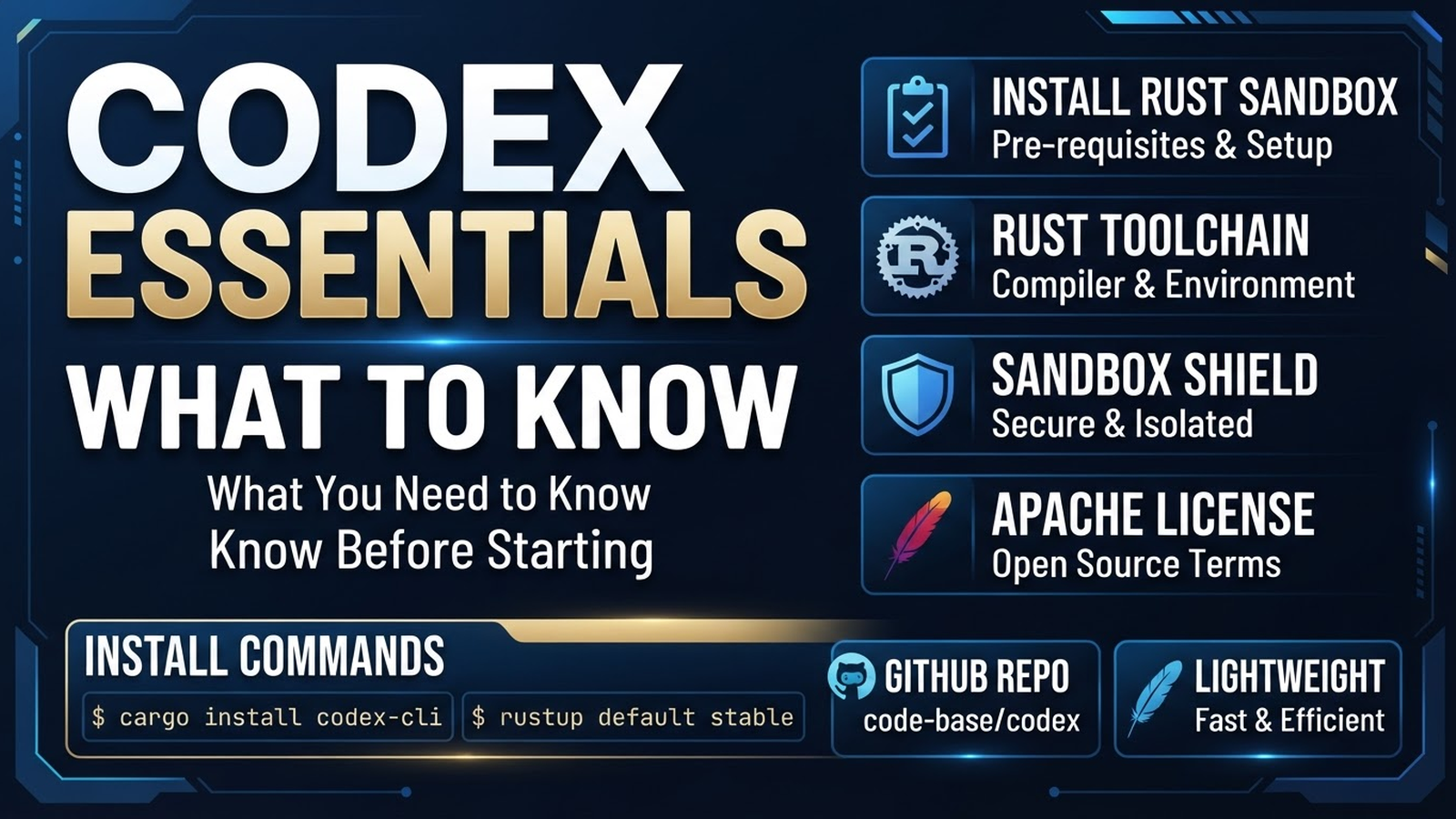
Codex: Perfect Start Checklist with Official OpenAI Agent
Codex is the official coding agent from OpenAI. It stands out with sandbox, native GitHub integration, Rust core, and headless mode. But it has its quirks — here's the checklist for a perfect start.
1. Installation — Choose Your Way
| Method | Command | Pros |
|---|---|---|
| npm (universal) | npm install -g @openai/codex | Always latest, works everywhere with Node.js |
| Homebrew (macOS) | brew install openai/codex/codex | Auto-updates via brew, native binary |
| Linux (curl) | curl -fsSL https://codex.openai.com/install.sh | bash | Binary without Node.js, for servers/containers |
| GitHub Releases | Download from GitHub | Specific version, offline install |
Recommendation: npm install -g @openai/codex — easiest to update.
2. Authentication — Two Required Steps
OpenAI Account (for models)
codex auth login
# Opens browser → sign in to OpenAI account
# Needs access to GPT-4o / o1 / o3-mini
Without this — only local/free models (if custom endpoints configured).
GitHub Token (for PR/issue integration)
# Option 1: via gh CLI
codex auth login --github
# or
export GITHUB_TOKEN=$(gh auth token)

# Option 2: Personal Access Token
# GitHub Settings → Developer settings → Personal access tokens → Tokens (classic)
# Scopes: repo, workflow, read:org
export GITHUB_TOKEN=ghp_xxxxxxxxxxxx
Without GitHub token — no PR creation, issue reading, CI integration.
3. Config: ~/.codex/config.toml
Create file (globally or in project):
[model]
provider = "openai"          # or "anthropic"
model = "gpt-4o"             # gpt-4o, o1-preview, o3-mini
# model = "claude-3.5-sonnet"  # for Anthropic
base_url = "https://api.openai.com/v1"
api_key = "$OPENAI_API_KEY"  # or via auth login

[sandbox]
enabled = true
# Windows: "windows-sandbox" (Hyper-V)
# Linux/macOS: "namespace" (auto)

[permissions]
allow = ["read", "write", "bash", "grep", "glob"]

[github]
token = "$GITHUB_TOKEN"
# auto-detects from gh CLI if not set

[hooks]
# pre_model_request = "echo 'Request: $REQUEST_ID'"
# post_model_request = "echo 'Response: $REQUEST_ID'"
Tip: Keep secrets in env vars, not in config.
4. First Run — TUI Mode
cd your-project
codex
# Opens TUI with panels:
# ┌─ Chat ─────────────────────┐
# │ Your message...            │
# ├─ Files ────────────────────┤
# │ src/                       │
# │  main.py                   │
# ├─ Terminal ─────────────────┤
# │ $ _                        │
# └────────────────────────────┘
#
# Hotkeys:
# Ctrl+C  — interrupt generation
# /help   — commands list
# /compact — compress context
# /help sandbox — sandbox info
5. Headless Mode — For CI/CD & Scripts
Most powerful feature for automation:
# JSON output for parsing
codex -p "Create REST API on FastAPI" --output-format json
# {"result": "...", "files_changed": [...], "commands_run": [...]}

# In GitHub Actions
- name: Run Codex
  run: |
    codex -p "$TASK" --output-format json |
    jq -r '.result' > output.md

# Streaming output (real-time)
codex -p "Refactor this code" --stream

# With GitHub token
codex -p "Create PR with tests" --github-token $GITHUB_TOKEN --output-format json
6. Model Selection: GPT-4o vs Claude vs o1
| Model | Best For | Speed | Cost |
|---|---|---|---|
| GPT-4o | General code, refactoring, tests, docs | Fast | Medium |
| Claude 3.5 Sonnet | Complex refactoring, architecture, security | Medium | High (needs Anthropic key) |
| o1-preview | Complex algorithms, math, planning | Slow | Very high |
| o3-mini | Fast reasoning, code review, simple tasks | Very fast | Low |
Tip: GPT-4o default for 90% tasks. o3-mini for quick fixes. Claude for architecture.
7. Sandbox: Windows vs Linux/macOS
- Windows: Hyper-V sandbox service (
codex-windows-sandbox-service). Requires Pro/Enterprise Windows. Hypervisor-level isolation — max security. - Linux/macOS: Namespace-based isolation. Works everywhere with unprivileged user namespaces (most modern distros).
- Disable:
[sandbox] enabled = falsein config (not recommended).
8. GitHub Integration — Setup Once
# Auto-pick from gh CLI
codex auth login --github

# Or env variable
export GITHUB_TOKEN=$(gh auth token)
# In .bashrc / .zshrc for persistence
After this: codex -p "Create PR with fix" --github-token $GITHUB_TOKEN works automatically.
9. Aliases for Speed
# ~/.bashrc / ~/.zshrc
alias cx='codex'
alias cxp='codex -p'
alias cxj='codex -p --output-format json'
alias cxs='codex -p --stream'
alias cxg='codex -p --github-token $GITHUB_TOKEN'

# Quick models
alias cx-4o='codex -m gpt-4o'
alias cx-claude='codex -m claude-3.5-sonnet'
alias cx-o3='codex -m o3-mini'
10. Common Beginner Mistakes
- Skip auth login → only local models. Do
codex auth loginimmediately. - Forget GitHub token → lose 50% features (PR, issues, CI). Setup immediately.
- Disable sandbox → lose main security feature. Don't disable.
- Don't use headless → lose CI/CD integration. Try
--output-format json. - Build from source unnecessarily — Bazel is complex. Use binary/brew/npm.
First Day Checklist ✅
- [ ]
npm install -g @openai/codex(or brew) - [ ]
codex auth login(OpenAI) - [ ]
codex auth login --github(GitHub) - [ ] Create
~/.codex/config.tomlwith model - [ ]
codexin project folder — first TUI run - [ ] Try
codex -p "Hello" --output-format json - [ ] Configure GitHub token for PR
- [ ] Test sandbox:
codex -p "ls -la /root"(should deny) - [ ] Add aliases to .bashrc/.zshrc
- [ ] Read docs