
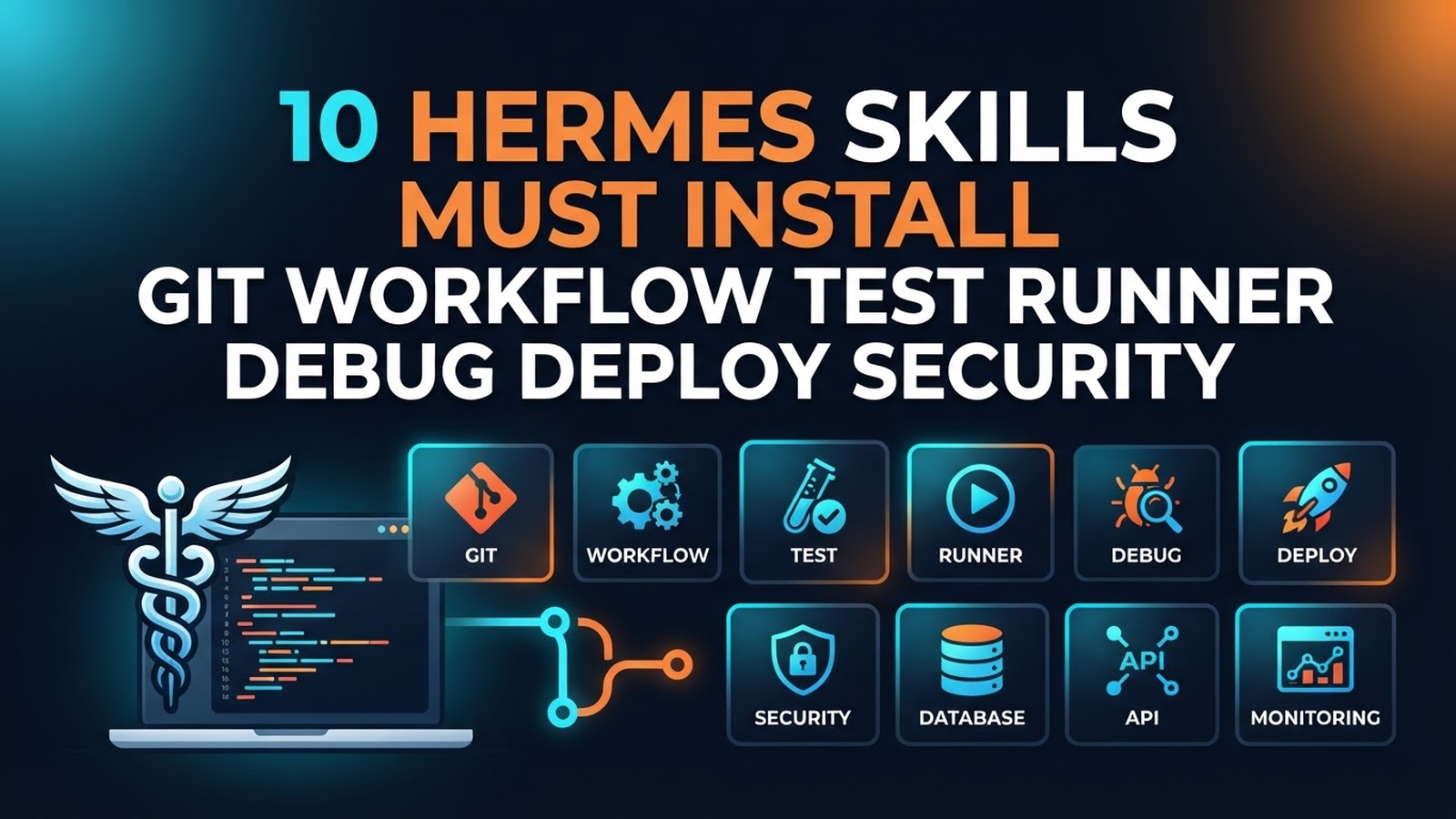
10 Hermes Agent Skills — Install First
A skill in Hermes is a Markdown file with YAML frontmatter, loaded into context when the task matches its description. It's not just a note: it's instructions that save dozens of tokens of repeated explanations. Below — 10 must-have skills with links and install codes.
Base Set (install immediately)
1. git-workflow
Why: branching, commits, PRs — without it the agent makes chaotic history.
Install code:
help me install skill git-workflow from https://github.com/hermes-skills/git-workflow2. test-runner
Why: how to run tests in your project specifically (commands, flags, environment).
Install code:
help me install skill test-runner from https://github.com/hermes-skills/test-runner3. code-review
Why: review checklist: what to check, how to comment.
Install code:
help me install skill code-review from https://github.com/hermes-skills/code-review4. frontend-verify
Why: headless rendering: "agent said page works" != "it works". Screenshot + DOM check mandatory.
Install code:
help me install skill frontend-verify from https://github.com/hermes-skills/frontend-verify5. api-conventions
Why: response formats, error handling, versions.
Install code:
help me install skill api-conventions from https://github.com/hermes-skills/api-conventionsProduction Set (install after base)
6. deploy-pipeline
Why: full "code → production" path, including rollback.
Install code:
help me install skill deploy-pipeline from https://github.com/hermes-skills/deploy-pipeline7. debug-playbook
Why: typical project incidents and how to fix them.
Install code:
help me install skill debug-playbook from https://github.com/hermes-skills/debug-playbook8. data-extraction
Why: parsing sites/PDFs/APIs for your domain.
Install code:
help me install skill data-extraction from https://github.com/hermes-skills/data-extraction9. security-review
Why: secrets, SQL injections, XSS: minimal checklist.
Install code:
help me install skill security-review from https://github.com/hermes-skills/security-review10. cost-control
Why: rules so the agent doesn't burn your token budget (cache, batching, cheap models for drafts).
Install code:
help me install skill cost-control from https://github.com/hermes-skills/cost-controlInstall All at Once
Copy and send to agent:
install all 10 base Hermes skills:
1. git-workflow      — https://github.com/hermes-skills/git-workflow
2. test-runner       — https://github.com/hermes-skills/test-runner
3. code-review       — https://github.com/hermes-skills/code-review
4. frontend-verify   — https://github.com/hermes-skills/frontend-verify
5. api-conventions   — https://github.com/hermes-skills/api-conventions
6. deploy-pipeline   — https://github.com/hermes-skills/deploy-pipeline
7. debug-playbook    — https://github.com/hermes-skills/debug-playbook
8. data-extraction   — https://github.com/hermes-skills/data-extraction
9. security-review   — https://github.com/hermes-skills/security-review
10. cost-control     — https://github.com/hermes-skills/cost-control
How to Create a Skill
---
name: my-skill
description: "Use when ... (trigger + one line about behaviour)"
---
# My Skill
## When to use
## Procedure
## Pitfalls
Main rule: the description decides everything. It's the only thing the agent sees before loading the skill. Write triggers: "Use when X".
Useful Links
- Official Skills: github.com/hermes-skills
- Skills Documentation: hermes-agent.nousresearch.com/docs/skills
- Skill Examples: github.com/hermes-skills/hermes-skills-examples