
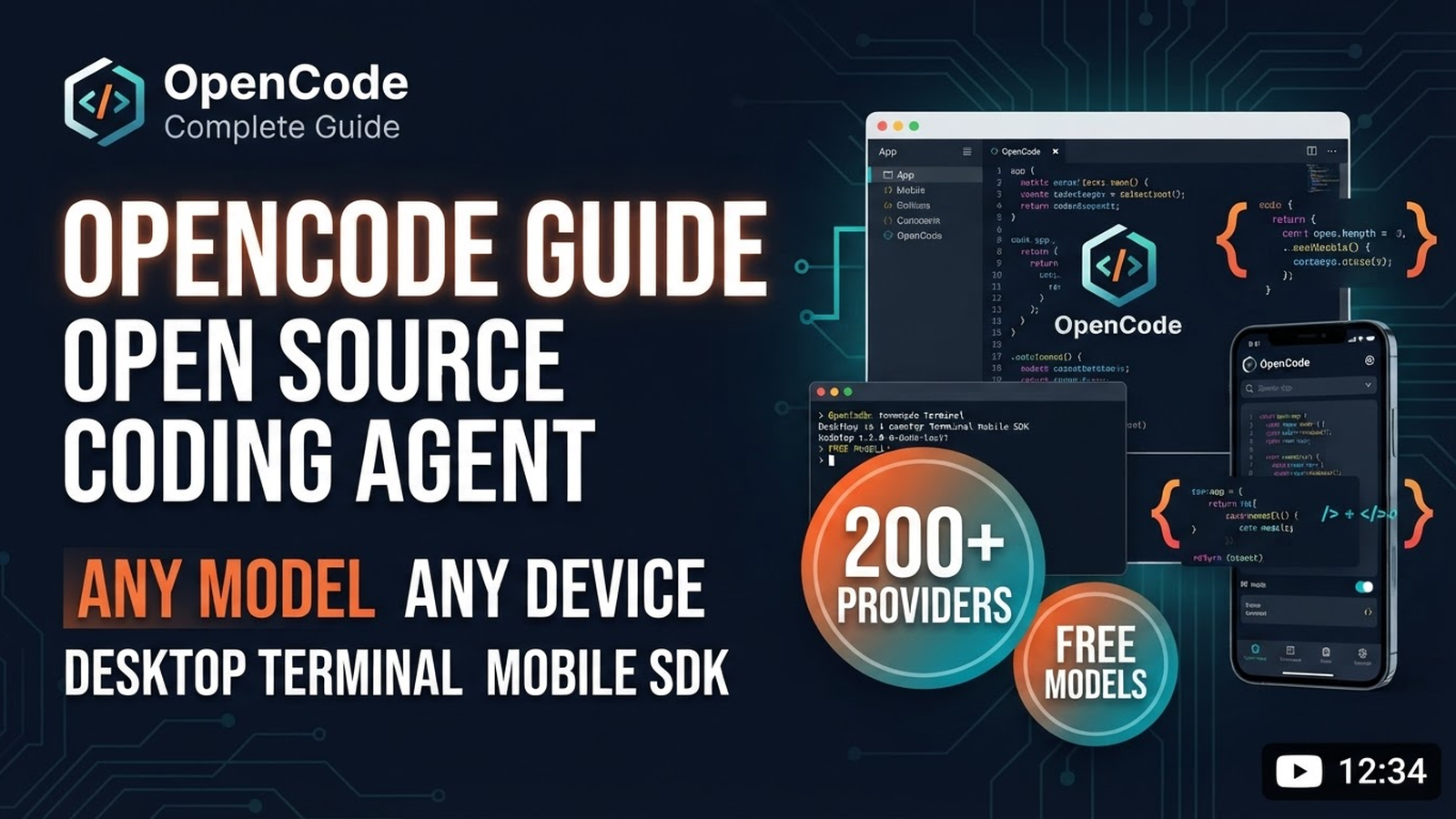
OpenCode: Complete Guide to Open Source Coding Agent
OpenCode is an open-source AI coding agent that works everywhere: desktop app (macOS/Windows/Linux), terminal (TUI), mobile app (iOS/Android), and via SDK in your scripts/CI. Built by Anomaly team, 227k+ stars on GitHub.
1. Installation & Quick Start
# Easiest way (all platforms)
curl -fsSL https://opencode.ai/v2/install | bash

# Or via package managers
npm install -g @opencode/cli          # Node.js
bun install -g --trust @opencode/cli  # Bun
brew install anomalyco/tap/opencode-v2 # macOS (Homebrew)
paru -S opencode-beta                 # Arch Linux
After install:
opencode              # Launch TUI in terminal
opencode serve        # Start API server for SDK/desktop
opencode auth login   # Auth (optional, for paid models)
2. Core Concepts
Any Model — 200+ Providers
OpenCode uses Models.dev for 200+ LLMs: OpenAI, Anthropic, Google, OpenRouter, Ollama, LM Studio, vLLM, local models. Free models available out of the box.
Any Device — 4 Interfaces
- Desktop App — native app with tabs, sessions, diffs, built-in browser, extensions
- Terminal (TUI) — fast interface in any shell, editor, or remote server
- Mobile — iOS (TestFlight) / Android (Play Store) — manage sessions from phone
- SDK — drive OpenCode from your scripts, CI, tools (docs)
Multi-Session
Run multiple agents in parallel on the same project — each in its own session with independent context.
3. Advanced Features
Plugins
Hook into OpenCode events, extend logic. Written in TypeScript/JS.
// .opencode/plugins/my-plugin.ts
export default {
  name: "my-plugin",
  hooks: {
    "session:start": async (ctx) => {
      console.log("Session started:", ctx.session.id);
    },
    "tool:call": async (ctx, tool, args) => {
      if (tool === "write") {
        await ctx.runCommand("prettier --write", args.path);
      }
    }
  }
};
MCP Servers
Connect external tools via Model Context Protocol:
# .opencode/mcp.json
{
  "mcpServers": {
    "github": {
      "command": "npx",
      "args": ["-y", "@modelcontextprotocol/server-github"]
    },
    "postgres": {
      "command": "npx",
      "args": ["-y", "@modelcontextprotocol/server-postgres", "$DATABASE_URL"]
    }
  }
}
Custom Agents
Create specialized agents with own prompts, models, tools:
# .opencode/agents/backend-expert.md
---
name: backend-expert
description: "Use for backend development: APIs, databases, architecture."
model: "anthropic/claude-3.5-sonnet"
tools: [read, write, edit, bash, grep, mcp:postgres]
---

You are a backend expert. Focus on:
- Clean architecture, SOLID principles
- Database design, migrations
- API security, rate limiting
- Performance optimization
- Observability
Agent Skills (SKILL.md)
Teach agents reusable workflows:
# .opencode/skills/deploy.md
---
name: deploy
description: "Use when deploying to production. Runs full pipeline."
tools: [bash, read, write, mcp:github]
---

Deploy procedure:
1. Run tests: npm run test
2. Build: npm run build
3. Check bundle size
4. Create GitHub release
5. Deploy to Vercel/AWS
6. Verify health endpoint
7. Notify team
Custom Commands (Slash Commands)
Turn repetitive tasks into reusable commands:
# .opencode/commands/refactor.md
---
name: refactor
description: "Refactor code with safety checks"
args: ["target", "goal"]
---
Refactor $ARG_TARGET to $ARG_GOAL.
Steps:
1. Read file and understand context
2. Write tests if missing
3. Refactor incrementally
4. Run tests after each step
5. Update documentation
Usage: /refactor src/api/users.ts "extract service layer"
Permissions — Action Control
Configure which actions run automatically vs require approval:
# .opencode/permissions.json
{
  "allow": ["read", "grep", "glob", "list"],
  "ask": ["write", "edit", "bash"],
  "deny": ["bash(rm -rf*)", "bash(sudo*)"]
}
Undo / Redo
/undo rolls back recent file changes and conversation. /redo restores.
4. Configuration
Main config: .opencode.json in project root or ~/.config/opencode/config.json globally.
{
  "model": "anthropic/claude-3.5-sonnet",
  "theme": "dark",
  "permissions": {
    "allow": ["read", "grep"],
    "ask": ["write", "bash"]
  },
  "mcpServers": { ... }
}
5. Free Models & OpenCode Go
- Free models — built-in free models via Models.dev, no account needed
- OpenCode Go — $10/mo for curated models without limits
- BYOK — Bring Your Own Key: connect your subscriptions (ChatGPT Plus, GitHub Copilot, Anthropic, OpenRouter)
6. Comparison with Competitors
| Feature | OpenCode | Claude Code | Codex |
|---|---|---|---|
| Open Source | ✅ MIT | ❌ Proprietary | ✅ Apache-2.0 |
| Desktop App | ✅ Native | ❌ Terminal only | ❌ Terminal only |
| Mobile App | ✅ iOS/Android | ❌ | ❌ |
| Multi-Session | ✅ | ❌ | ❌ |
| Plugins | ✅ TS/JS | ❌ | ❌ |
| Custom Agents | ✅ | ✅ Subagents | ❌ |
| Skills | ✅ SKILL.md | ❌ | ❌ |
| MCP | ✅ | ✅ | ❌ |
| Undo/Redo | ✅ | ❌ | ❌ |
| 200+ Models | ✅ | Anthropic only | OpenAI only |
| Free Tier | ✅ Built-in | Subscription only | API key required |
7. Useful Links
- Website: opencode.ai
- Documentation: opencode.ai/docs
- GitHub (new): anomalyco/opencode (227k★)
- Old repo (archived): opencode-ai/opencode → continued as Crush
- Desktop Downloads: opencode.ai/desktop
- Mobile: iOS TestFlight | Android Play Store
- SDK Docs: opencode.ai/docs/build/sdk
- Discord: discord.gg/opencode
First Run Checklist
curl -fsSL https://opencode.ai/v2/install | bashopencode— launch TUI- Pick model (free or BYOK)
- Enable MCP servers for your tools
- Create 1-2 custom agents for your tasks
- Configure permissions for your trust level
- Try multi-session: multiple tabs over one project